1. Browser
Standard browsers vs. industrial browsers in SAP: Why choosing the right browser is crucial
Mobile applications in SAP have become an integral part of modern logistics and production processes. However, in addition to choosing the right hardware, the browser used also plays a decisive role in the efficiency and stability of mobile data capture.
Standard (Chrome) vs. industrial browser
Google Chrome is designed for the classic consumer market. User-friendly features such as an address bar with integrated search, bookmarks, and customizable home pages are useful in everyday private and office life—but often get in the way in industrial applications. Because in that environment, less is more. Every additional feature is a potential source of error.
Industrial browsers, on the other hand, are tailored to the industrial environment. They offer:
- Reduced, clearly defined user interfaces
- Hidden address bars
- No distracting controls
- More screen space for dialog boxes
- Greater IT security through restricted access to the open Internet.
They can be fully customized to the needs of the application—even to the point of disabling the menu navigation.

Efficient data collection occurs when technology supports the workflow—not the other way around.
Versioning
Another advantage of industrial browsers is controllable versioning. Chrome usually updates automatically via the Play Store—which can lead to problems in industry:
different browser versions on multiple devices
uncontrollable updates,
possible incompatibilities with SAP ITS Mobile or Fiori.
Industrial browsers, on the other hand, can be versioned and managed centrally. This ensures that all devices are up to date – a must for stable SAP processes.
Control and configuration
Centralized control via Mobile Device Management (MDM) is a key argument for using an industrial browser. While Chrome configurations often have to be made manually and device-specific, industrial browsers allow settings such as:
- Start pages,
- Favorites,
- Layouts and controls,
- block lists for URLs, or
- behavior during inactivity
can be rolled out centrally via MDM. This saves time, reduces sources of error, and ensures a consistent user experience across all devices.
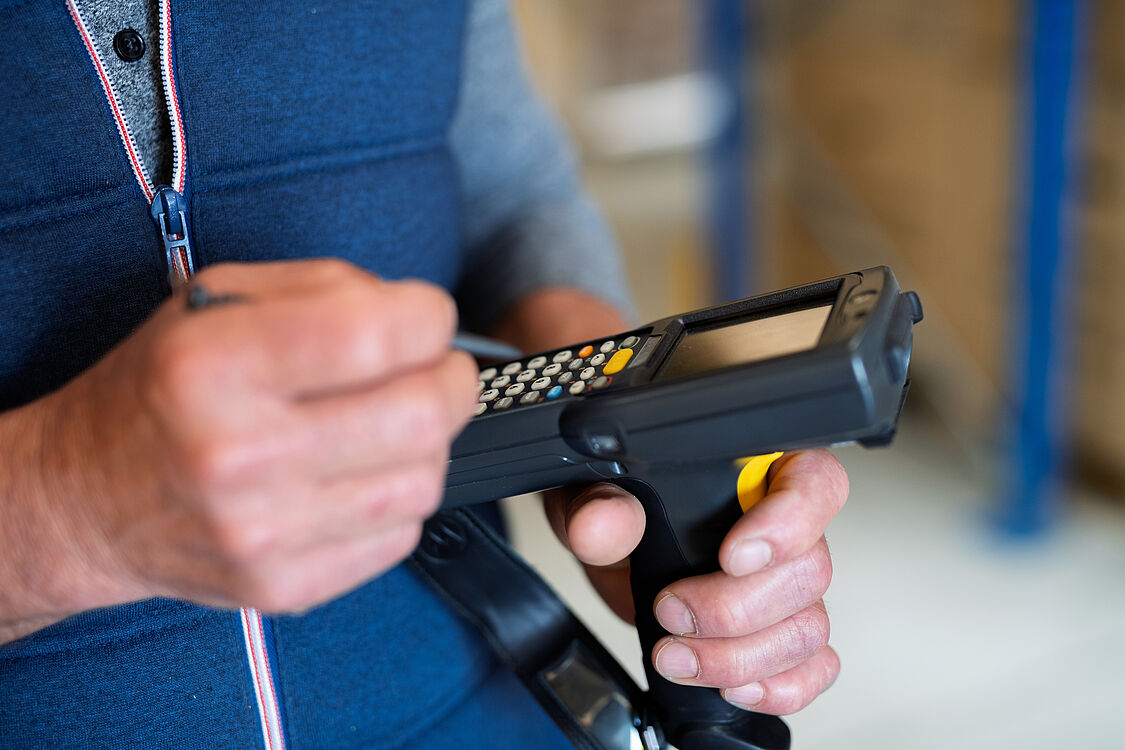

It is not the hardware that determines the success of mobile SAP processes, but rather the interaction between the browser, application, and understanding of the process.
Online vs. offline: Stability is key
For many years, SAP has pursued the principle of permanent online operation. Offline functionalities often lead to problems when synchronizing transactions. Nevertheless, there are real-world use cases—such as when moving between halls or in temporary dead spots—where short-term connection interruptions occur.
This is where industrial browsers with intelligent buffering behavior come into their own:
- The user is not immediately confronted with an error message,
- the system attempts to reestablish the connection in the background,
- and work processes are maintained without the user having to actively intervene.
Chrome, on the other hand, responds to a loss of connection with immediate interruption and page termination – which can have negative consequences in mobile logistics.
2. Application: Fiori, ITS Mobile, and Screen Personas
SAP continues to rely on ITS Mobile for mobile data capture – a browser-based solution that generates HTML dialogs and displays them on mobile devices. Pure Fiori applications for logistics processes are currently only available to a limited extent – for example, for the picking process with trolleys.
Since ITS Mobile is no longer brand new in terms of technology, SAP offers Screen Personas, a tool for interface optimization: Key users or IT-savvy departments can use it to customize dialogs, enlarge or remove fields, and add additional elements – without any in-depth development. Classic ABAP development is also still possible for individual processes.
In addition to ITS Mobile, it is also possible to introduce external solutions for the scanner dialogs. This may be the case, for example, if offline capability is required in the warehouse – something that SAP cannot currently guarantee.
To improve the user experience, a complete Fiorization can be carried out using the Fiori Converter. Reasons for this could be outdated RFUI dialog interfaces or scaling the dialogs to multiple device types.

3. First process analysis, then device selection
Before you start looking for a suitable scanner, you need to carry out a process analysis. The process inventory should include which data can be scanned and which can only be entered manually. What types of input occur in the warehouse: is numerical or alphanumeric data to be entered? The process analysis should be used as an opportunity to adapt the scanning processes so that warehouse employees can work with the scanner without errors and with as little manual input as possible.
While simple scans are usually not a major challenge, alphanumeric input via a soft keyboard on small devices can quickly become a hurdle to user-friendliness.
In addition, SAP uses function codes such as F3 or F7 in its mobile applications, so these should be available as keys on the device or be able to be displayed on the touchscreen if possible. To use these function keys efficiently, an industrial-grade keyboard that supports these functions is recommended—for example, via assignable buttons or swipe gestures. Providers such as Zebra offer specialized solutions for this purpose with configurable layouts and optimized displays.
Summary
Mobile data capture in SAP requires more than just robust hardware—it thrives on well-designed processes and the right technical foundation. The choice of browser in particular highlights how different standard and industrial browsers are: While Chrome is designed for classic office applications, industrial browsers offer decisive advantages in terms of stability, security, and central controllability—especially in the demanding logistics environment.
When choosing an application solution – whether ITS Mobile, Fiori, or Screen Personas – technical feasibility should always be in line with the specific requirements in the warehouse. Offline capabilities, user-friendliness, and interface logic are key criteria that must be weighted differently depending on the scenario.
However, every decision starts with a process analysis: only those who understand exactly how work is done can select the optimal combination of application, device, and input method. This turns technology into real process support – and mobile data capture into a productive tool in the SAP system.